
Sales and trade documents
Sales invoices, quotations, proformas, delivery notes, packing lists, sample orders and export documents.
Arabic-first trade and manufacturing platform
UVEYO brings inventory, sales, purchasing, production, quality and HR into one isolated workspace per company — with clear permissions and numbers that agree.
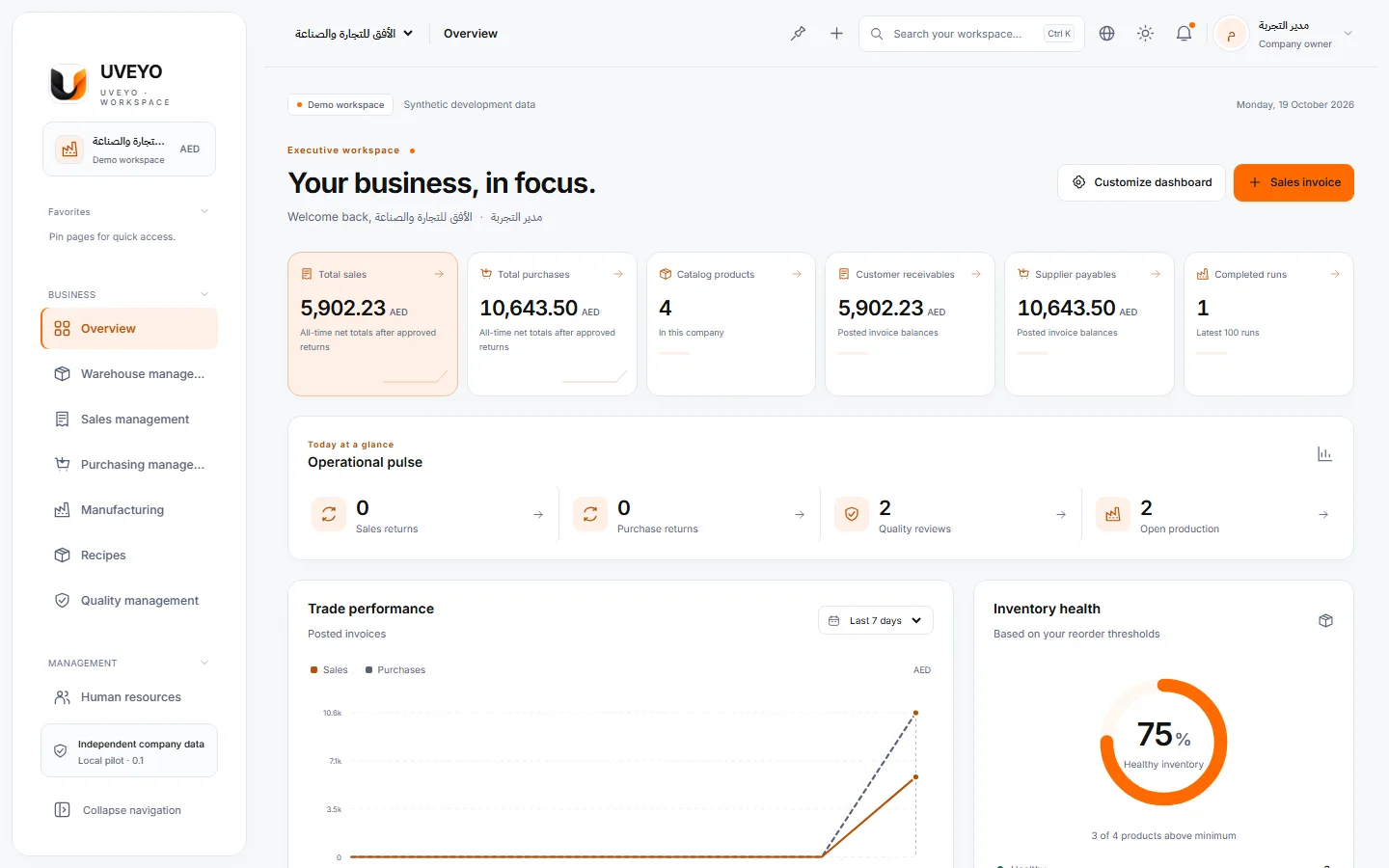
Product tour
Real captures of a demo workspace with synthetic data. Choose a module to see it in daily use.
Sales, purchases, low stock and recent activity at a glance, on a dashboard each user can arrange.
A real capture of a demo workspace with synthetic data
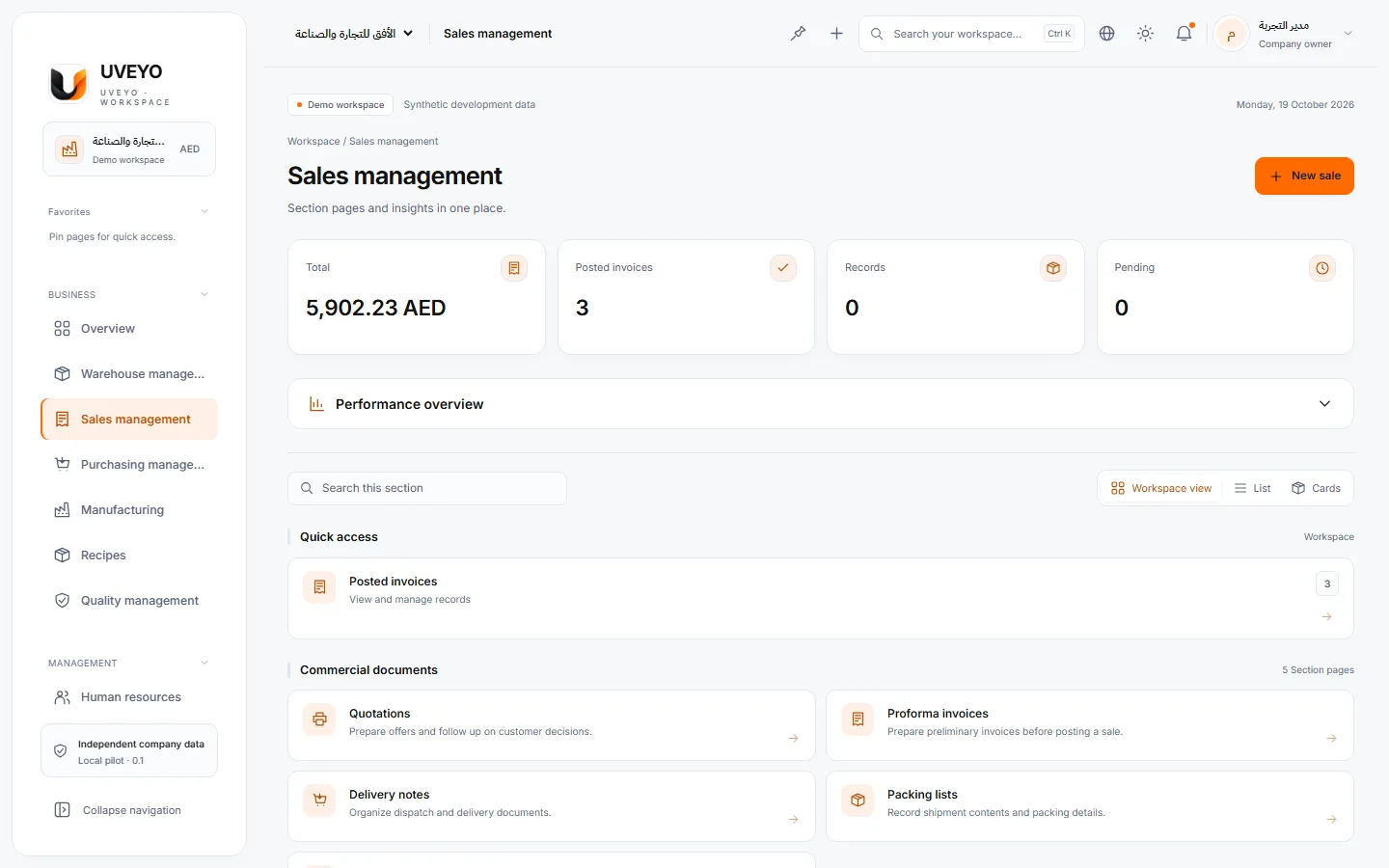
Atomically posted sales invoices, convertible quotations and proformas, payments and returns.
A real capture of a demo workspace with synthetic data
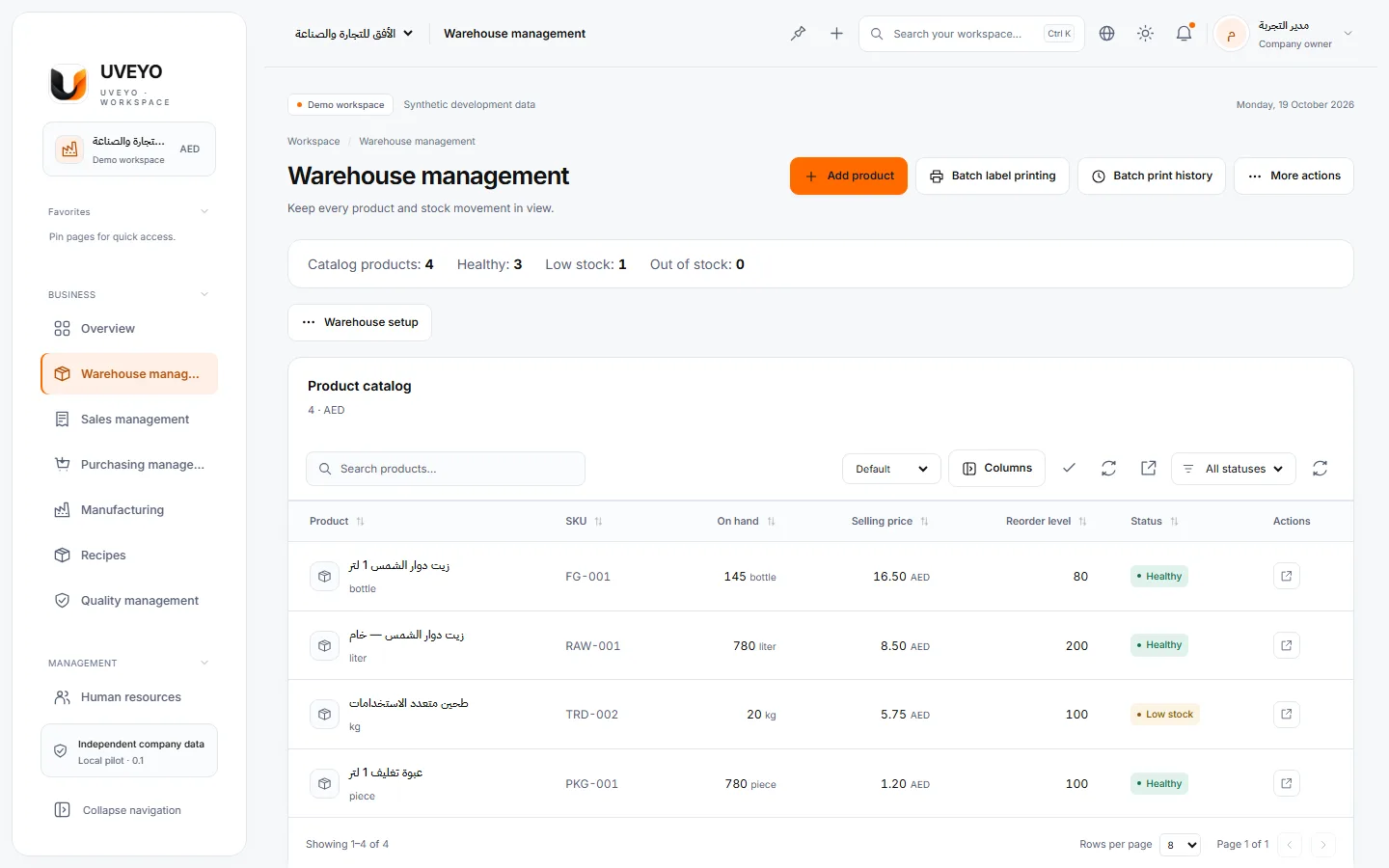
Stock levels, reorder points and per-item movement history — and stock can never go negative.
A real capture of a demo workspace with synthetic data
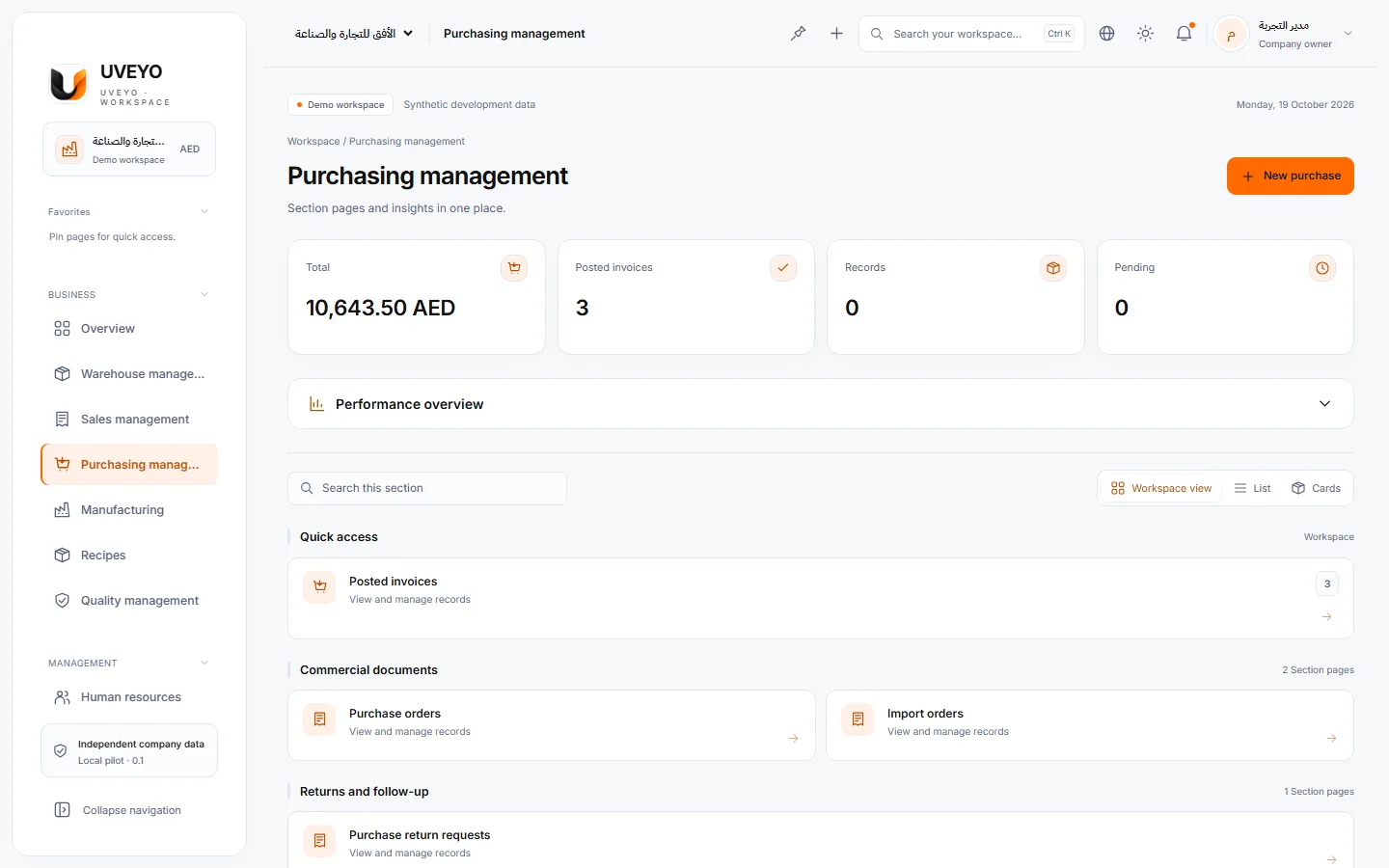
Purchase invoices that increase stock automatically, purchase and import orders, and supplier returns.
A real capture of a demo workspace with synthetic data
Recipes, production orders and progress tracking; a run consumes materials and adds finished goods.
A real capture of a demo workspace with synthetic data
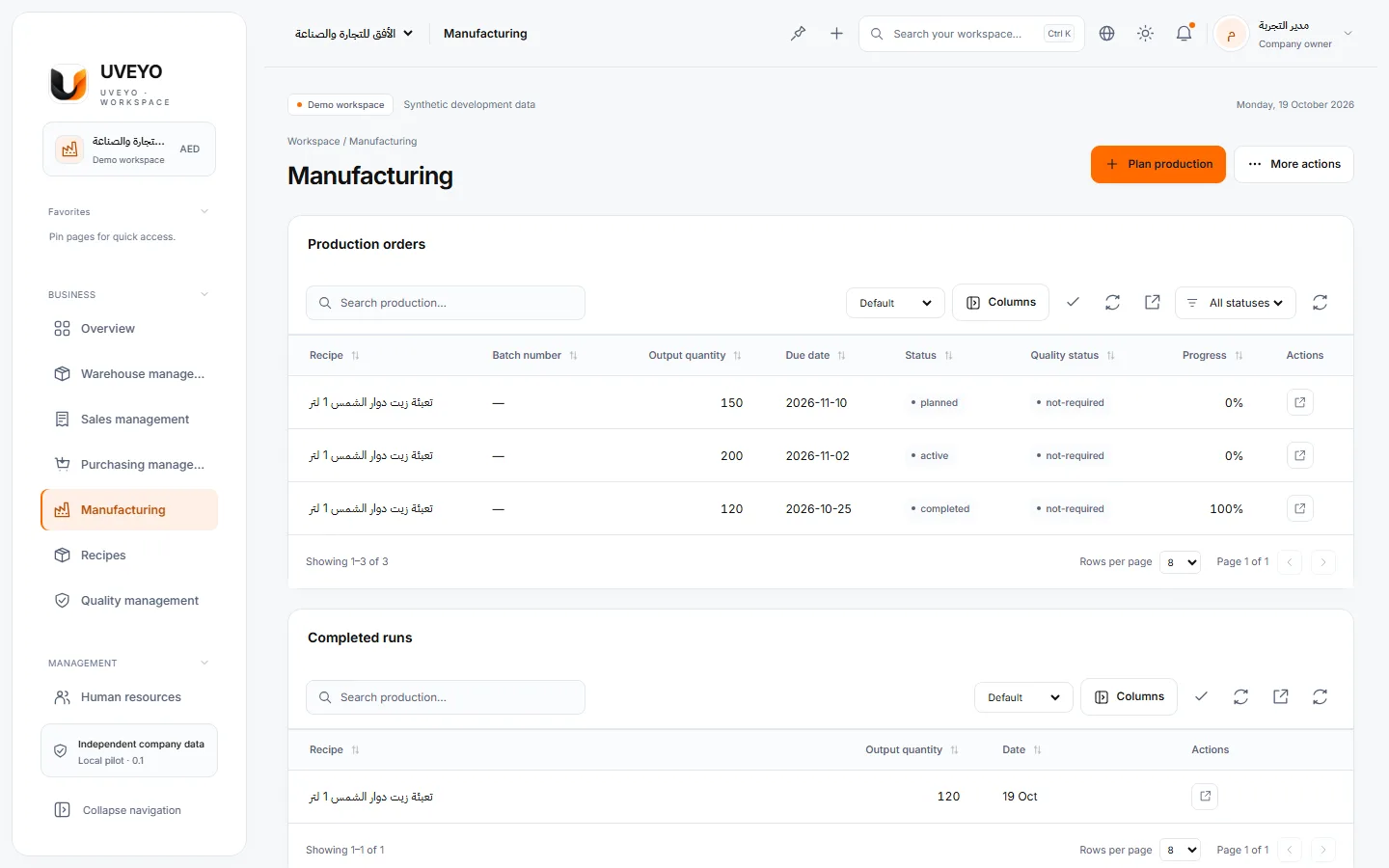
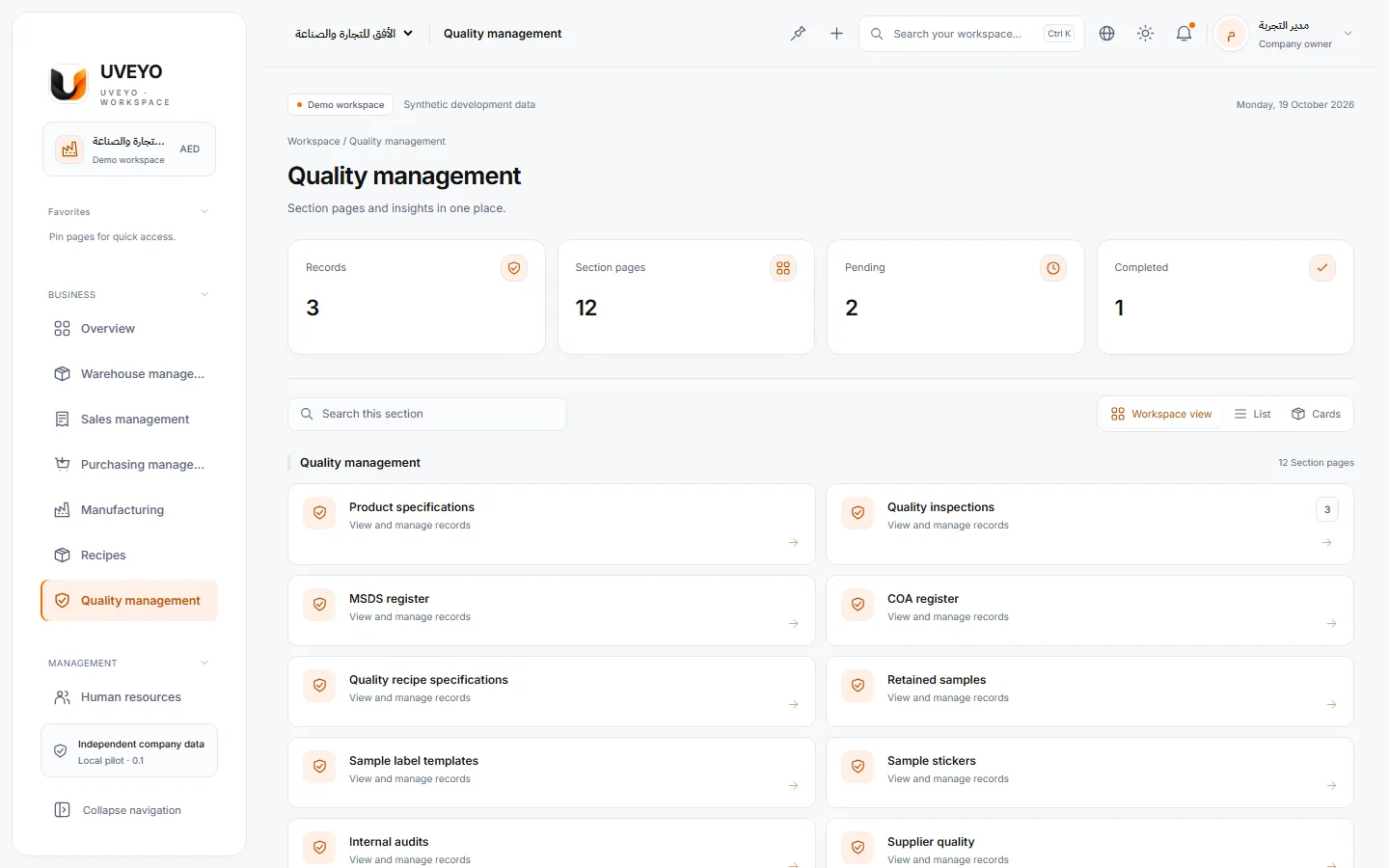
Checks with specifications and acceptance limits, reviewed and approved results, and linked retests.
A real capture of a demo workspace with synthetic data
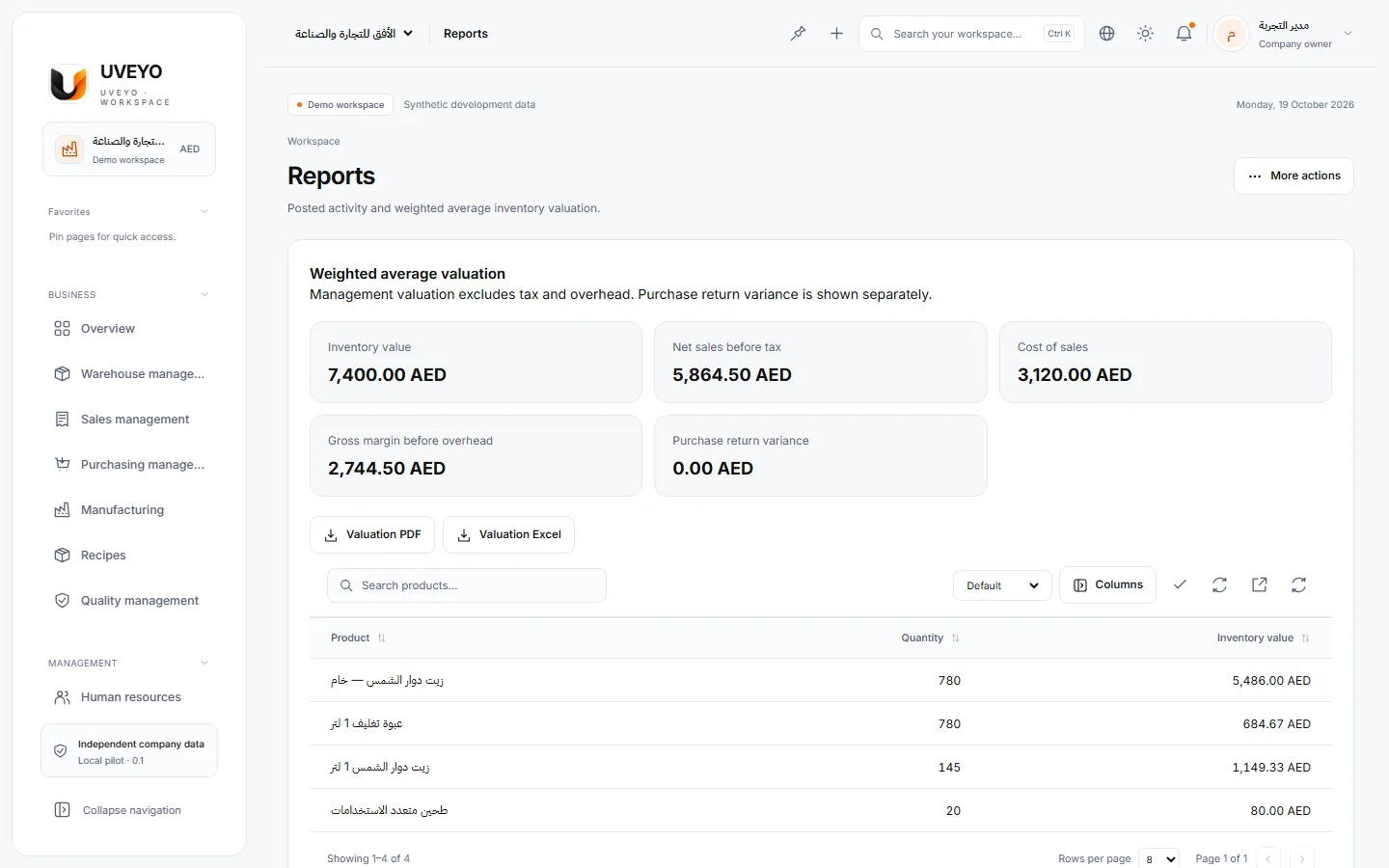
Owner reports for sales, purchasing and stock, with Excel and CSV export and formatted printing.
A real capture of a demo workspace with synthetic data
Features
Connected modules working on the same data, so numbers are never retyped between departments.
Sales invoices, quotations, proformas, delivery notes, packing lists, sample orders and export documents.
Purchase invoices, purchase orders, import orders, supplier returns and a supplier directory.
Item directory, SKUs, units and reorder points, with categories, attributes, variants and brands.
Material recipes, production orders with priority and due date, and progress through to the actual run.
Product checks with specifications, minimum, maximum and target values, review, approval and certificates.
Employees, departments, attendance, leave and balances, and payroll runs — available to the owner and to people granted HR permissions.
A customisable dashboard, sales and purchase charts, and owner reports ready to export and print.
Users and roles, team and private chat, a file center and an audit trail.
A connected workflow
Every step feeds the next. Choose a stage to see what the system does.
Step 1 / 6
A supplier purchase invoice is recorded.
Each item’s stock rises and the operation is written to the audit trail.
Step 2 / 6
Materials appear in the warehouse with their balances.
Reorder points are watched and low stock is flagged.
Step 3 / 6
A production order runs against its recipe.
Raw materials are deducted and finished goods added in one operation.
Step 4 / 6
The product is checked against its specification.
The result is computed from the limits and waits for review and approval.
Step 5 / 6
A sales invoice is issued to the customer.
Stock is deducted, and quantities that are not available cannot be sold.
Step 6 / 6
The result appears on the dashboard and in reports.
Sales, purchasing and stock figures come from one source.
At a glance
Sales this month
AED 48,250+12% on last monthIllustrative exampleItems below reorder point
3Flagged on the dashboardIllustrative exampleProduction orders
5 in progress2 awaiting quality checksIllustrative exampleTwo full languages
العربية · EnglishCorrect RTL and LTRRoles and permissions
Ready-made · Custom · GranularEnforced on the serverAn isolated workspace
per companyUsers see only their companiesOne operation, end to end
An example from the demo workspace showing how one operation moves between departments.
A purchase invoice from “Al Madar Supplies” for 600 litres of crude oil and 500 bottles.
Balances rise immediately, and every item shows its own reorder point.
A production order follows the recipe, deducting crude oil and bottles and adding “Sunflower oil 1 L”.
A check with clear acceptance limits, then review and approval before sale.
A sales invoice to “Al Nakheel Markets” deducts stock and shows on the dashboard.
Security & privacy
Real controls running on the server — not marketing promises.
Read the security detailsCompany membership is verified on every request.
Every operation is permission-checked on the server, even when sent from outside the interface.
HttpOnly, SameSite=Strict cookies that expire after 8 hours, and a CSRF token for every write.
Key operations are recorded with who did them and when.
Yes. Each company has its own workspace, and the server checks the user’s membership on every request. In local deployments each company is stored in its own database.
In two ways: an employee account made of the company code, a username and a password, or a Google account after email verification. Two-step verification with an authenticator app can be enabled, and sessions end after 2 hours of inactivity or 8 hours at most.
Yes. The interface is Arabic-first with right-to-left layout throughout, and you can switch to English at any time.
You can import items and records from Excel (XLSX) files of up to 500 rows and 5 MB, and export to Excel and CSV. Company owners can export all company data.
It covers invoices, per-invoice tax, payments, returns and inventory valuation. A general ledger and chart of accounts are not part of the current release.
Yes. The interface is responsive and works in mobile and tablet browsers. There is no separate mobile app yet.
Pricing plans have not been published yet. Contact us to discuss your company’s needs and the launch timeline.
Sign in and create your company workspace, or contact us so we can understand your needs first.