
A personal dashboard
Each user chooses and arranges the indicators that matter to their work.
Platform
UVEYO is not a set of separate screens. Every module reads and writes the same data, within company boundaries and user permissions.
Each user chooses and arranges the indicators that matter to their work.
A command palette (Ctrl K) for global search, favourites and recent pages.
Light and dark modes, accent colours, density, font size and reduced motion.
Excel import with a preview before saving, formatted export, and PDF text reading including scans.
Create employee accounts with company-scoped usernames and assign ready-made or custom roles.
Atomic posting of invoices and production, duplicate protection on resubmission, and an audit trail.
Product tour
Real captures of a demo workspace with synthetic data. Choose a module to see it in daily use.
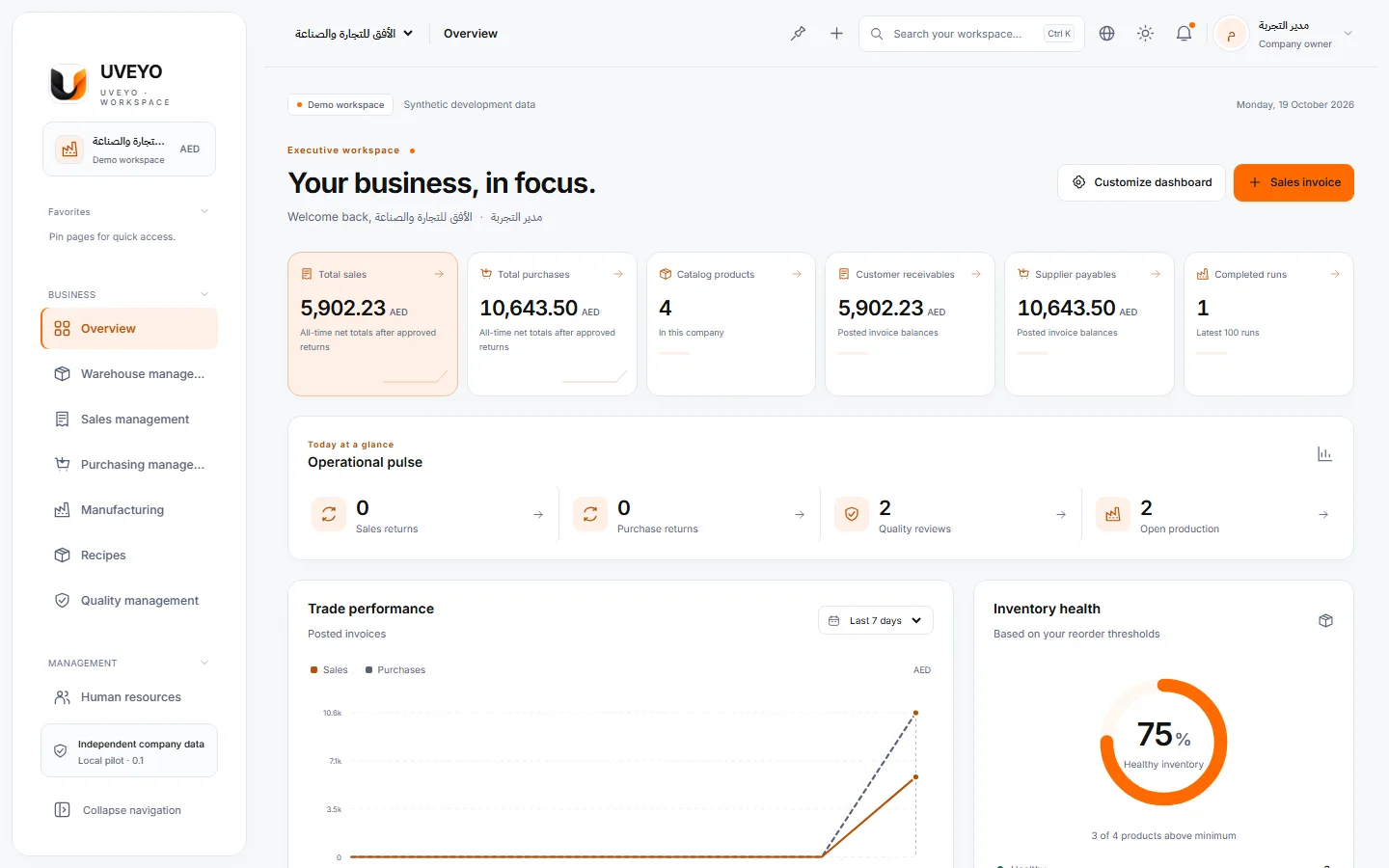
Sales, purchases, low stock and recent activity at a glance, on a dashboard each user can arrange.
A real capture of a demo workspace with synthetic data
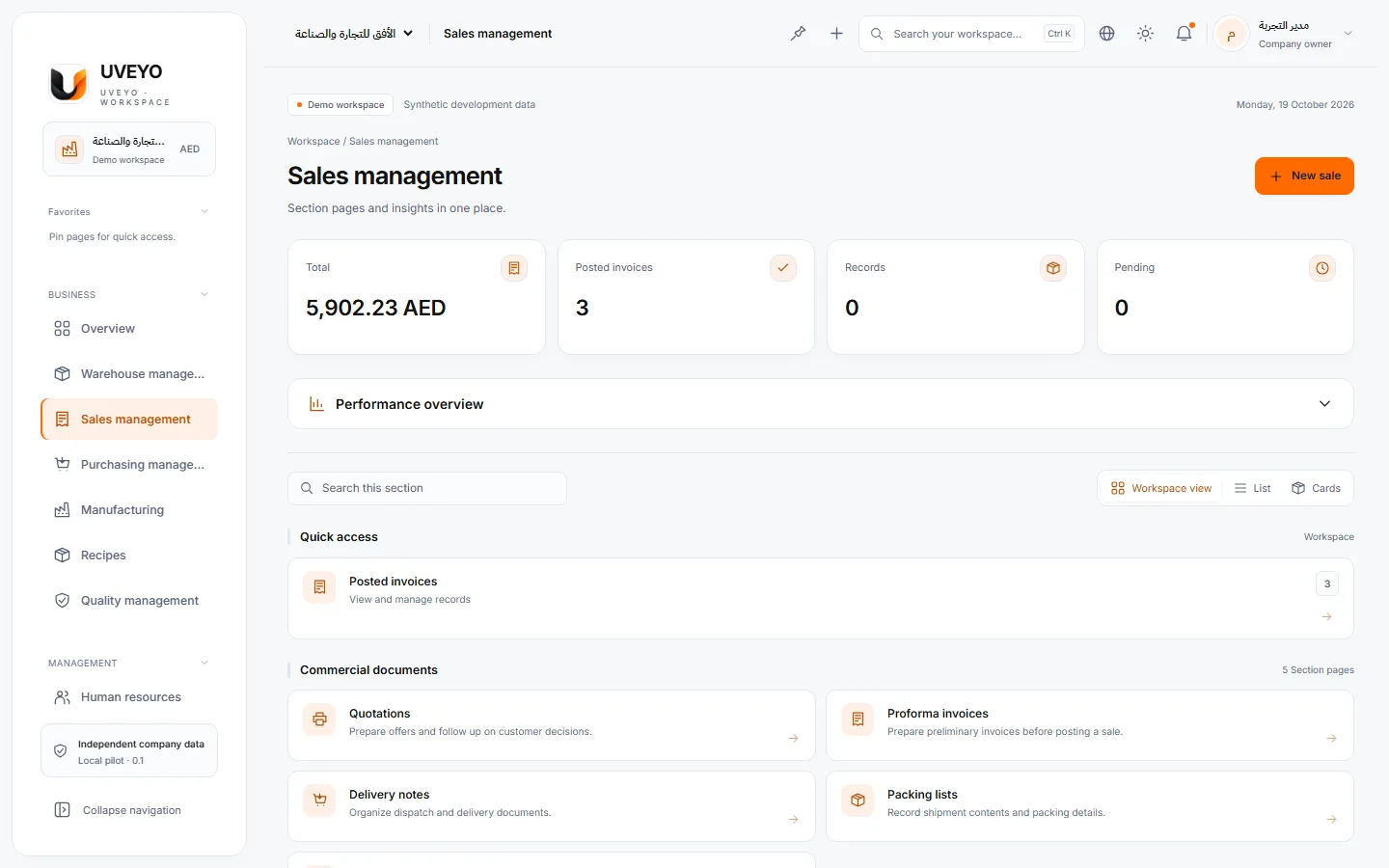
Atomically posted sales invoices, convertible quotations and proformas, payments and returns.
A real capture of a demo workspace with synthetic data
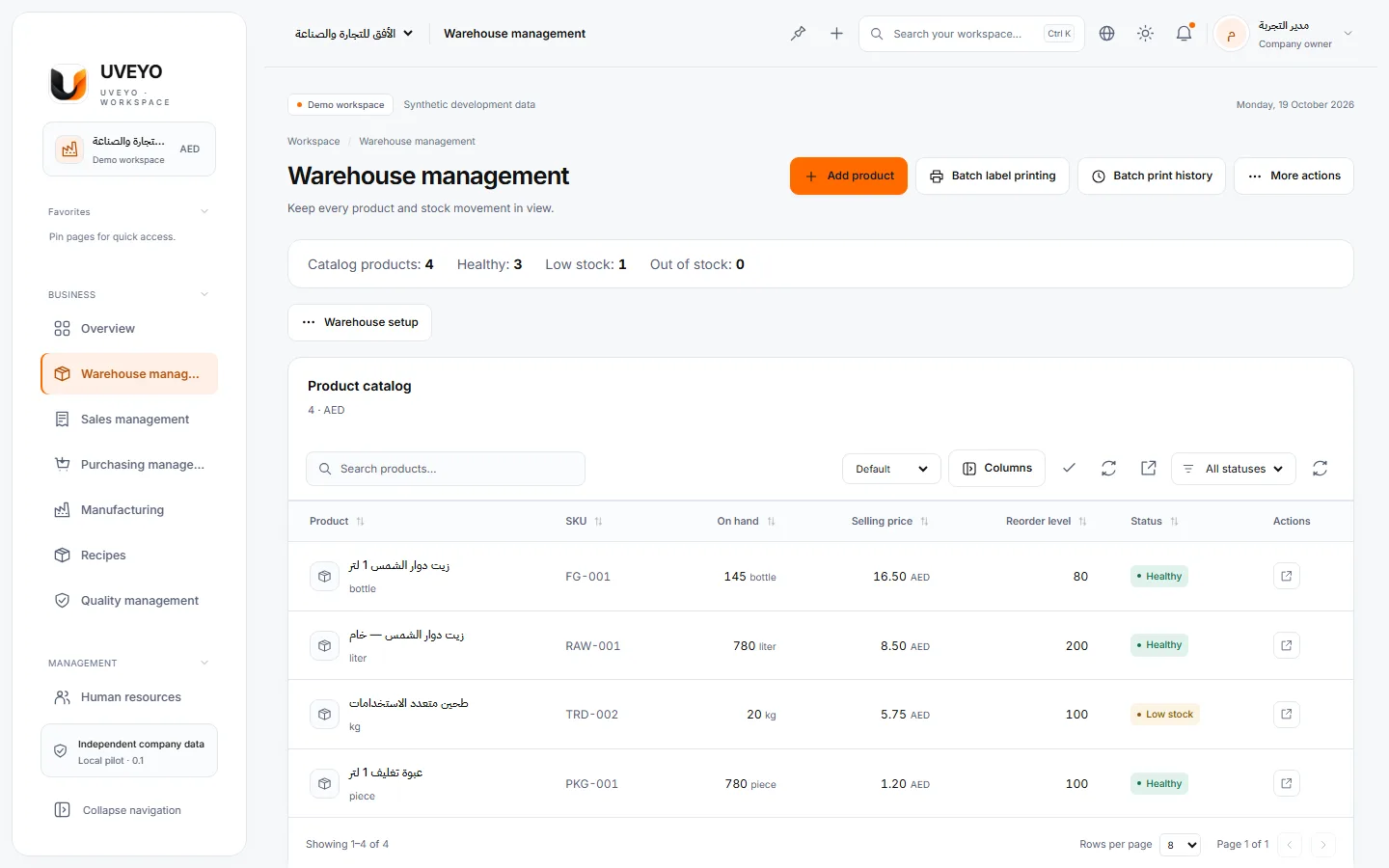
Stock levels, reorder points and per-item movement history — and stock can never go negative.
A real capture of a demo workspace with synthetic data
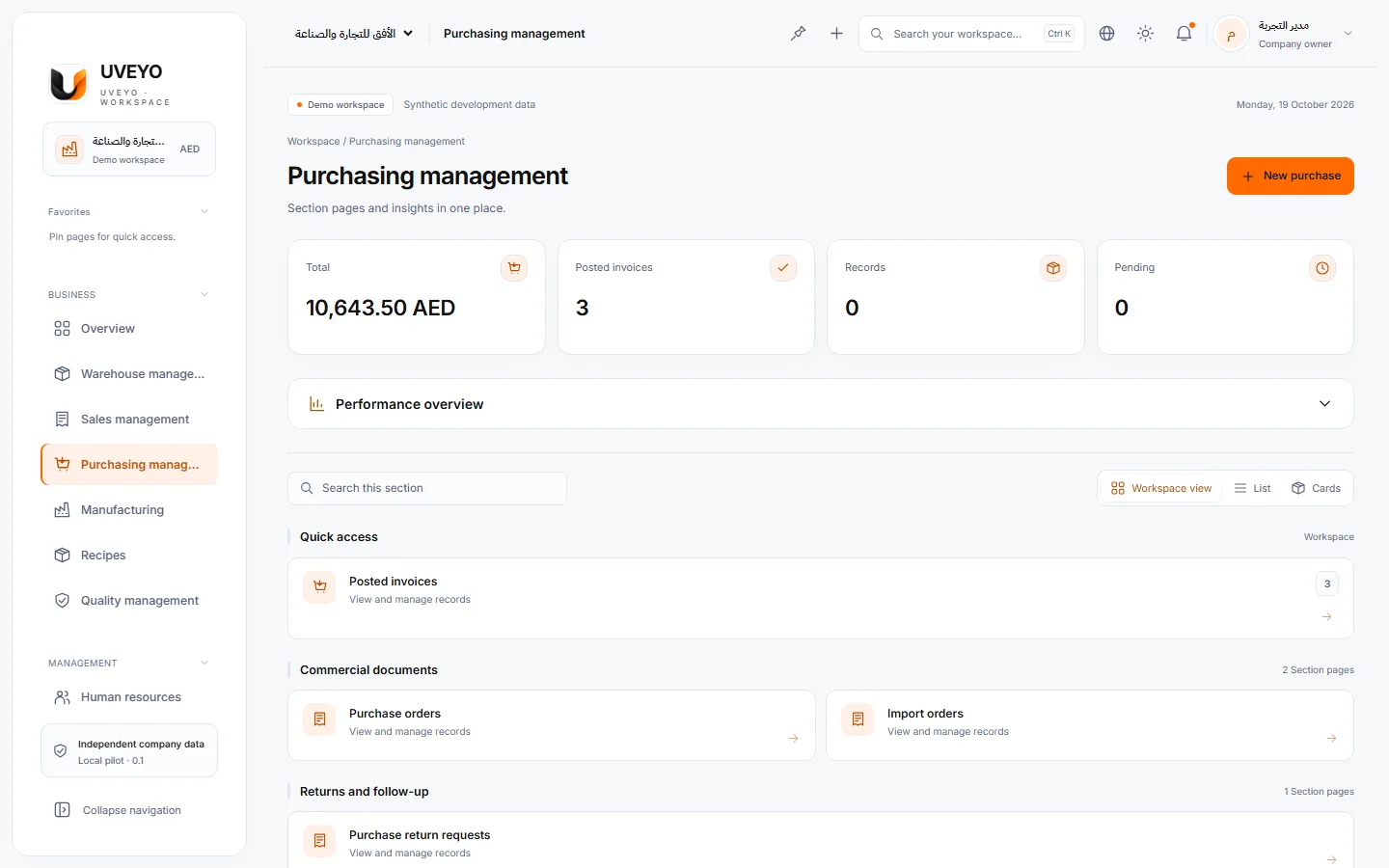
Purchase invoices that increase stock automatically, purchase and import orders, and supplier returns.
A real capture of a demo workspace with synthetic data
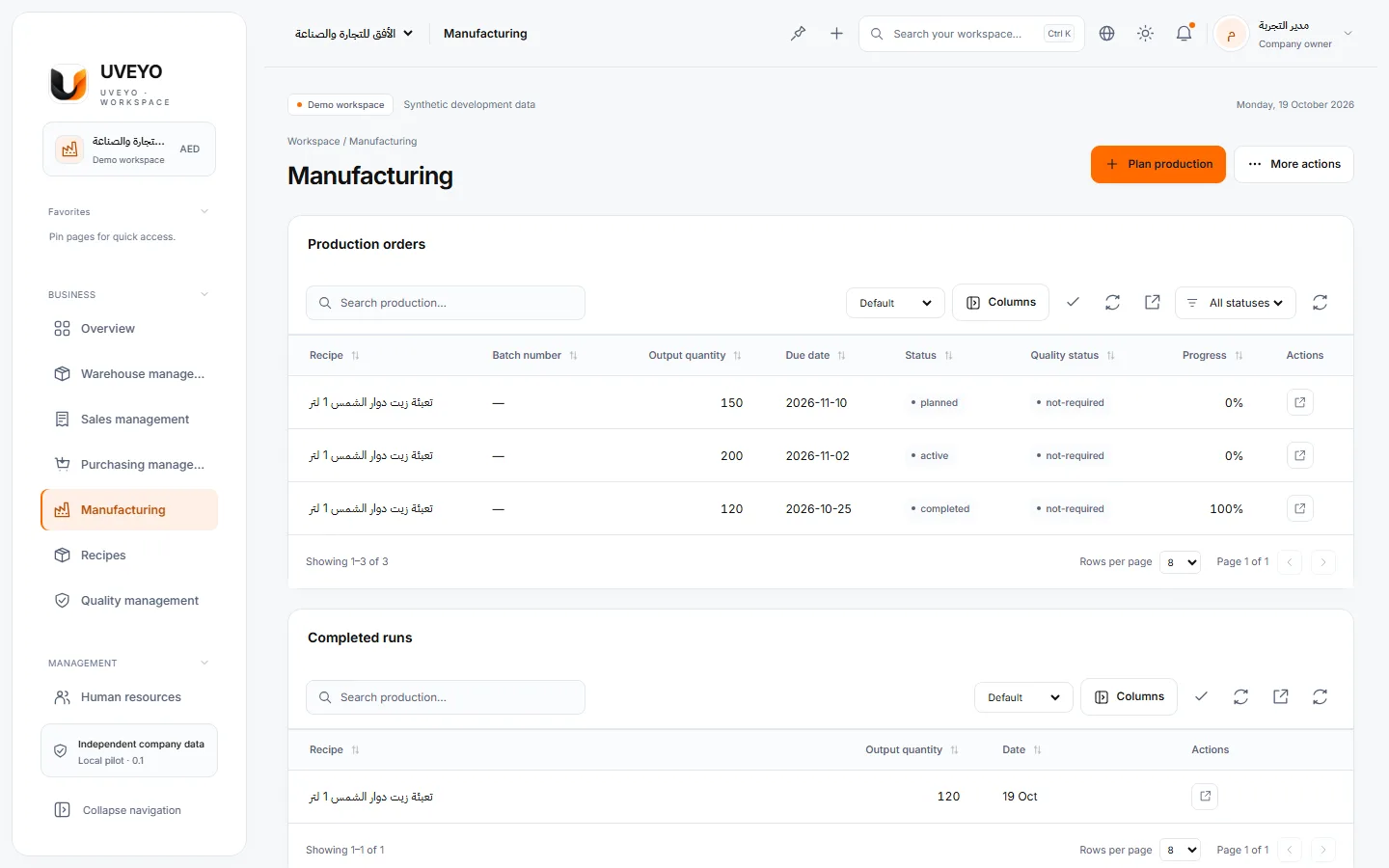
Recipes, production orders and progress tracking; a run consumes materials and adds finished goods.
A real capture of a demo workspace with synthetic data
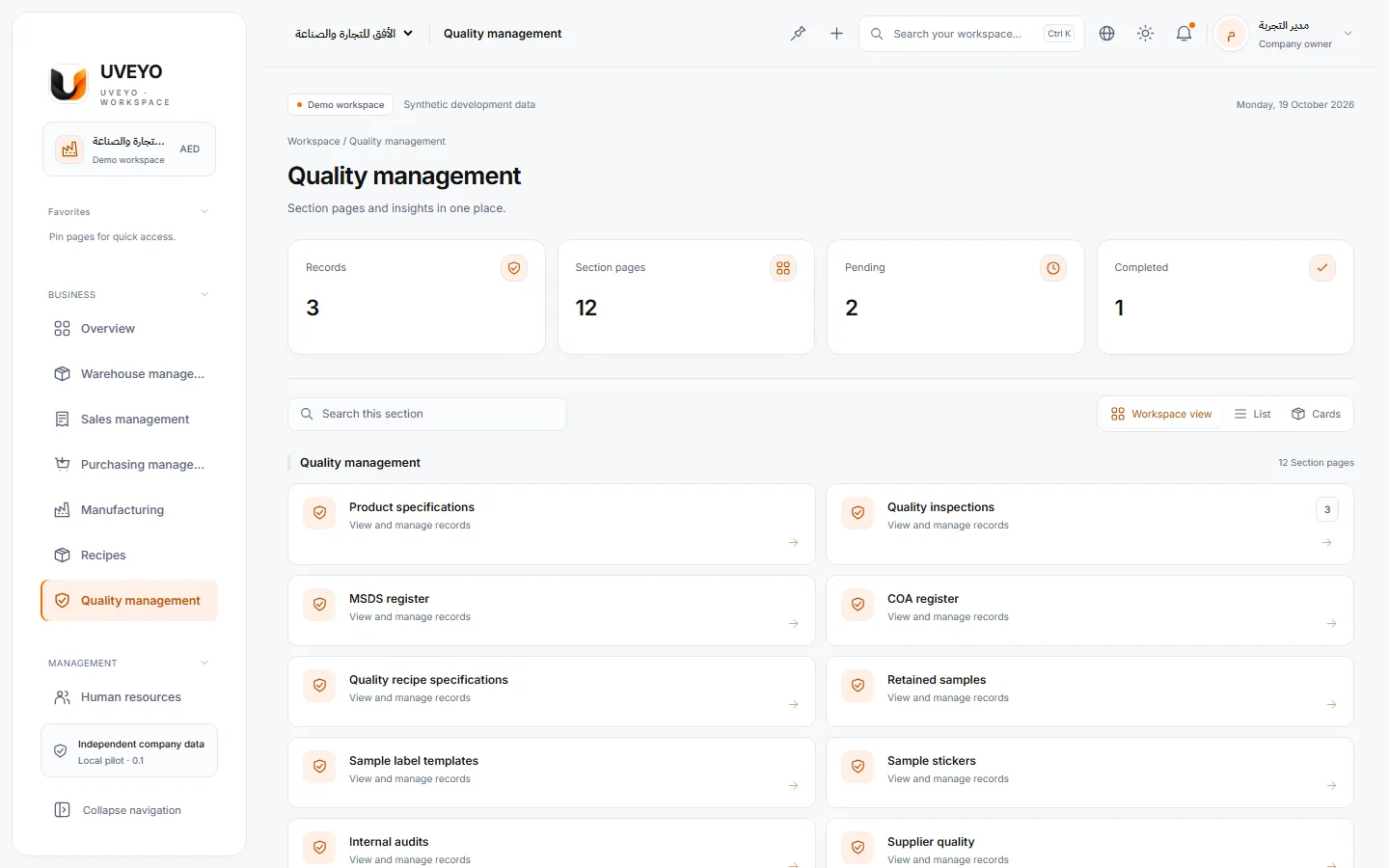
Checks with specifications and acceptance limits, reviewed and approved results, and linked retests.
A real capture of a demo workspace with synthetic data
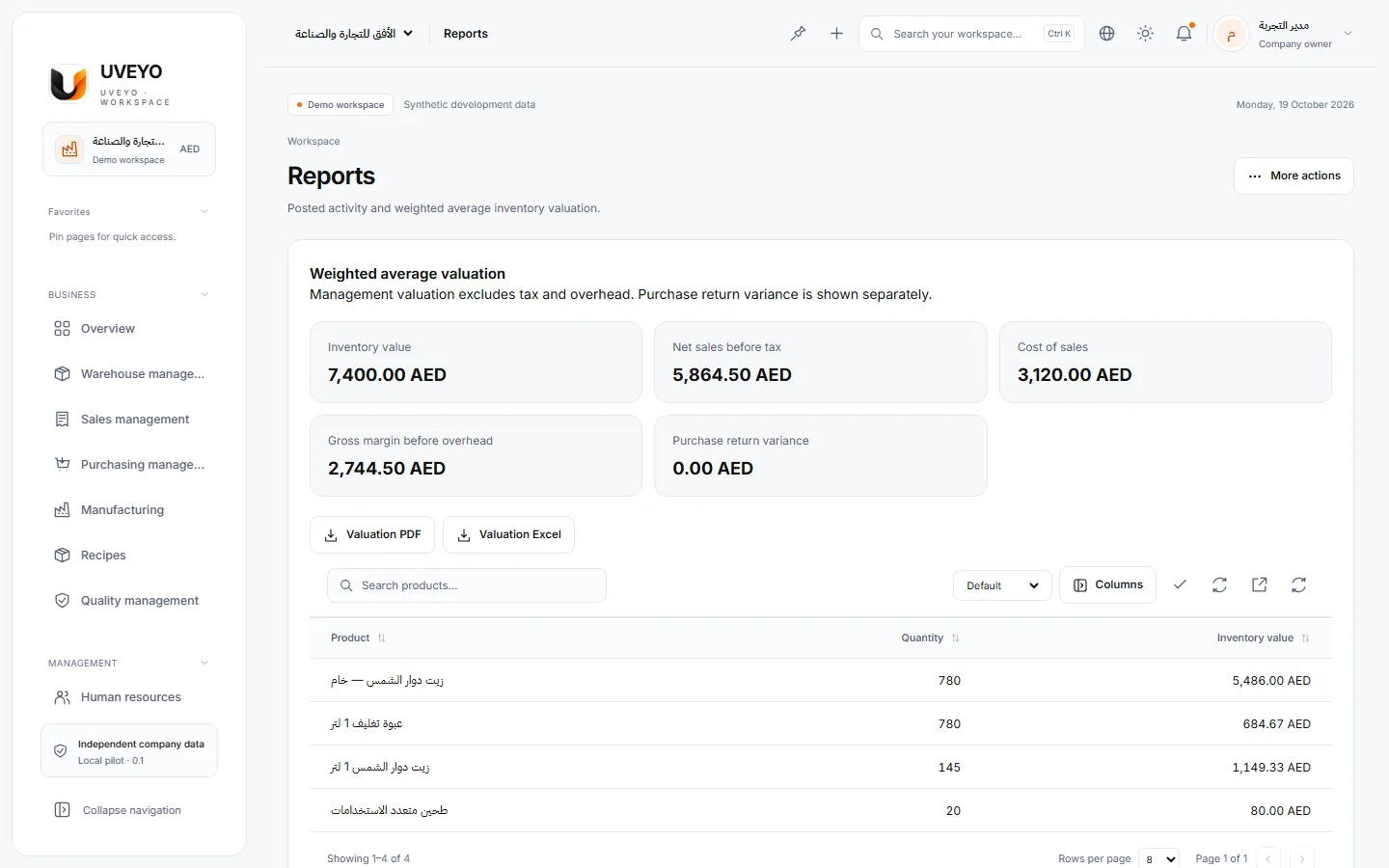
Owner reports for sales, purchasing and stock, with Excel and CSV export and formatted printing.
A real capture of a demo workspace with synthetic data
A connected workflow
Every step feeds the next. Choose a stage to see what the system does.
Step 1 / 6
A supplier purchase invoice is recorded.
Each item’s stock rises and the operation is written to the audit trail.
Step 2 / 6
Materials appear in the warehouse with their balances.
Reorder points are watched and low stock is flagged.
Step 3 / 6
A production order runs against its recipe.
Raw materials are deducted and finished goods added in one operation.
Step 4 / 6
The product is checked against its specification.
The result is computed from the limits and waits for review and approval.
Step 5 / 6
A sales invoice is issued to the customer.
Stock is deducted, and quantities that are not available cannot be sold.
Step 6 / 6
The result appears on the dashboard and in reports.
Sales, purchasing and stock figures come from one source.
Sign in and create your company workspace, or contact us so we can understand your needs first.